 Loading…
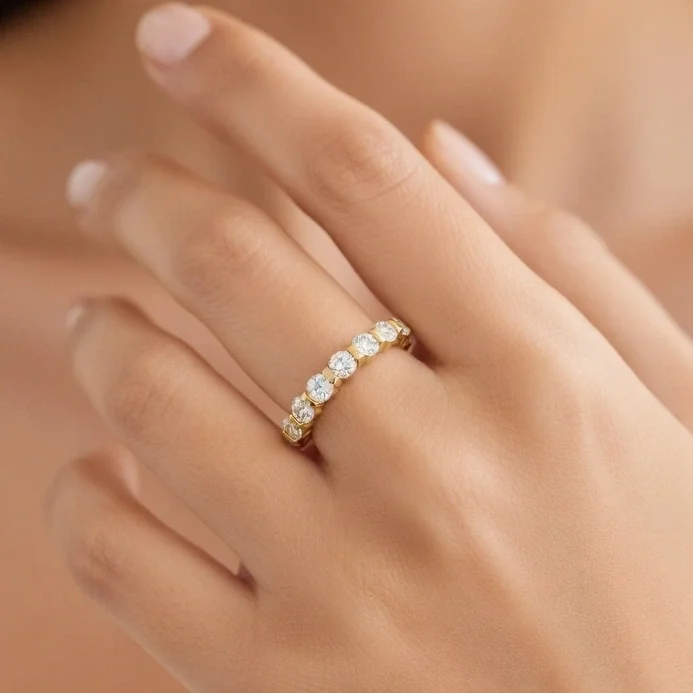
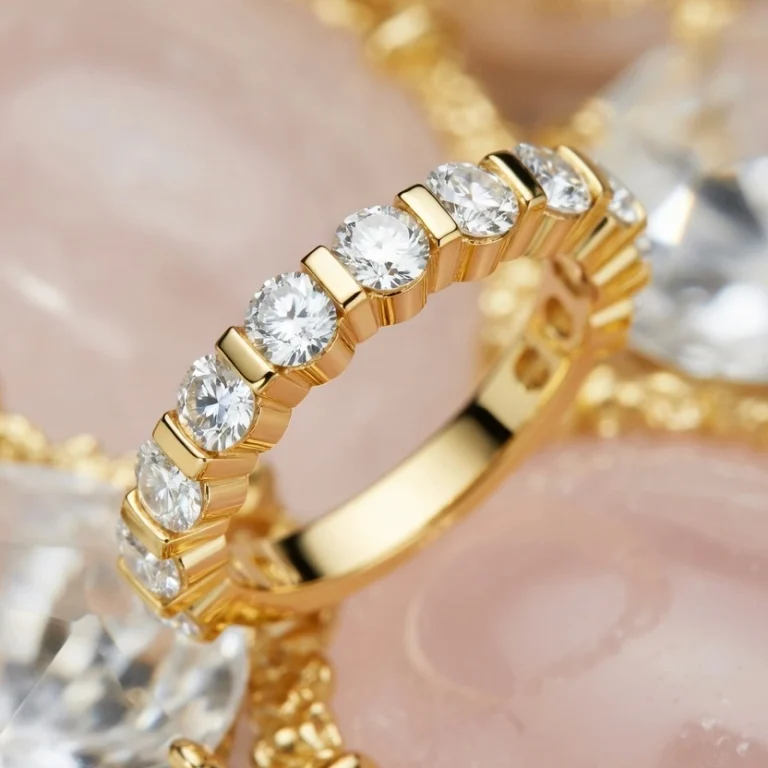
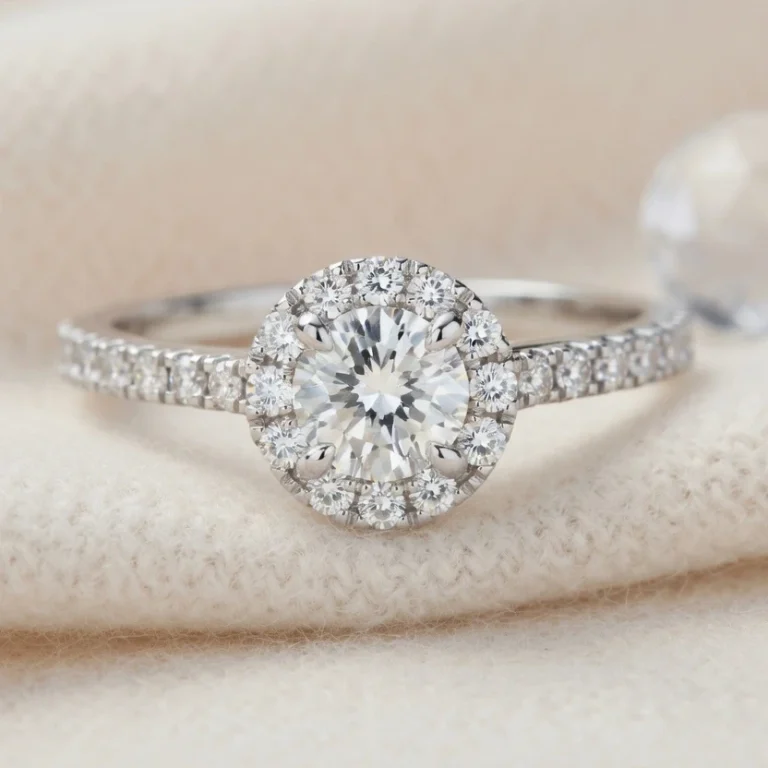
Round Eternity Band See it on a hand on hover

THE CATALOG BUILT FOR JEWELERS
A collection included to get you started. Your existing 3D files back in the spotlight. All in a catalog that looks and feels like your jewelry store.
Your collection. Your brand. Your customer relationships.
 FROM DESIGN TO YOUR NEXT ORDER
01 / A COLLECTION TO GET YOU STARTED
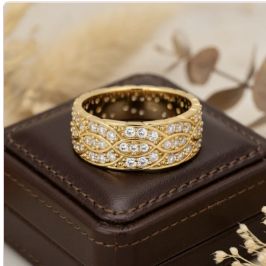
Your customer is looking for ideas. You have a collection to show them, even before you have prepared your own designs.
Loading… Loading…
 Loading…
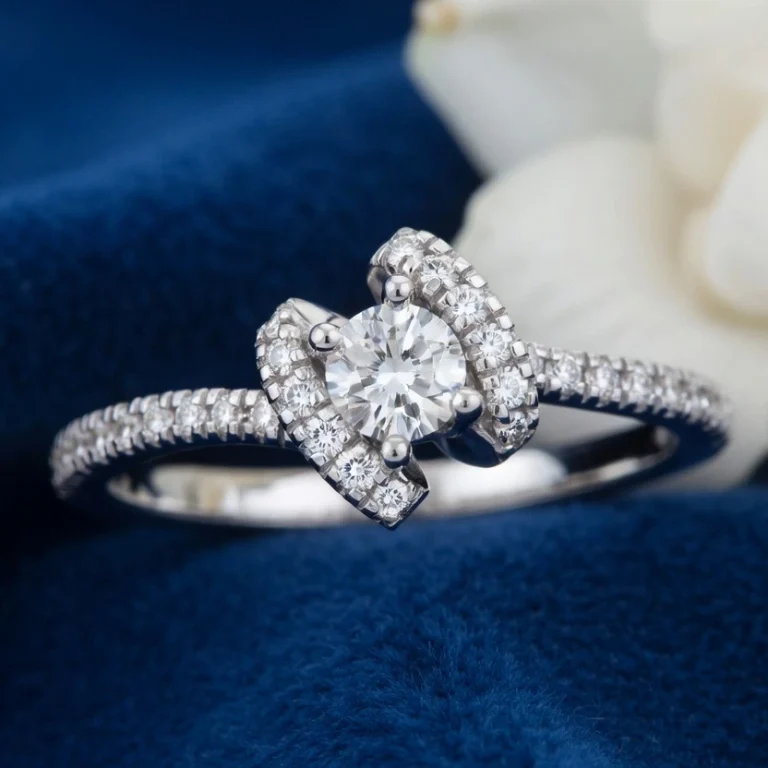
Your starter collection is included. Show the designs that suit your customers, hide the others, and bring them back whenever you like.
New designs are added progressively, with a long-term goal of around 6,000 to 7,000 designs.
Partner designs use none of your own model slots and add no extra subscription cost.
Access to the collection is included. Manufacturing files are purchased separately, subject to available offers. Images from the CADGL catalog.
02 / YOUR EXISTING DESIGNS HAVE MORE TO GIVE
You probably have 3D files created for a single order, then left in a folder.
They already represent your time, expertise, and investment. Put them in front of your customers again: an existing design can be the starting point for a new order.
See how it works ↓Your files become a collection you can show.
Illustrative workflow · jewelry examples from the catalogLESS REPETITION. MORE DESIGNS ON DISPLAY.
One design or a whole folder of 3D jewelry files: start with the work you already have.
Batch processing optimizes your models and automates the preparation of scenes, configurators, and renders.
Check the results, adjust where needed, and share your designs. Save yourself the same preparation work for every piece.
Import 3DM, OBJ, and GLB/GLTF files. Models need to be suitable for presentation; some files may require preparation.
03 / MAKE YOUR JEWELRY STORE RECOGNIZABLE
Your catalog should feel like an extension of your store. Customize its identity so customers recognize your brand at first glance.
EXPLORE THREE DIFFERENT LOOKSEXPLORE FOUR DIFFERENT LOOKS
Choose a look to see the same catalog take on a different personality.
Explore themes in the live catalog ↗
Put your brand first with your own logo and an optional version for dark mode.
Match backgrounds, menus, and buttons to your store’s identity, in light and dark modes.
Make the homepage yours with your own visuals and formats for desktop and mobile.
Your catalog has its own web address. Share it with customers and show your contact details, social profiles, and featured designs.
WHITE LABEL
Embed it in your existing website with Catalog Advanced. Depending on your plan, remove the CADGL logo for a white-label presentation.
04 / HELP YOUR CUSTOMER CHOOSE
Explore the piece in 3D and compare metals and gemstones. Show it on a 3D hand or offer a photo try-on using your customer’s own hand.
Give your conversation a clear starting point: their next piece, their preferences, and the changes they would like.
Explore a live product page ↗
KEEP THE CONVERSATION GOING AFTER THE VISIT
Share a design or your entire collection through WhatsApp, email, or a simple link. Customers can return to their favorites and contact you from the product page that interests them.
You keep the customer relationship to discuss quotes, customization, and manufacturing directly.
AI / VIRTUAL TRY-ON
From the product page, your customer opens Try-on and adds a photo of their hand or a selfie taken with their phone. They can see how the jewelry looks on their hand and try a different setting.
Open Try-on from the jewelry product page.
Take a photo of your hand or a selfie with your fingers clearly visible.
See the jewelry on your hand in a setting you choose.
DO YOU ALSO DESIGN FOR OTHER JEWELERS?
Partner collections also let eligible creators offer their designs to other jewelers and prepare file offers. Contact us for access requirements and sales terms.
YOUR QUESTIONS
You can start with the included collection and choose the designs you like. Then add your own creations at your own pace.
No. Designs are being added progressively. Around 6,000 to 7,000 designs is the long-term goal. Explore the catalog to see the designs currently on display.
Access to the collection’s presentations is included. Manufacturing files are purchased separately, subject to available offers. Check file availability and ordering terms.
Yes. Catalog identity and appearance settings cover your logo, banners, colors, contact details, and social profiles. Website embedding requires Catalog Advanced; removing the CADGL logo depends on your plan.
Batch processing lets you prepare multiple designs in one operation. CADGL automates optimization and much of the preparation. Review the results before publishing.
YOUR NEXT COLLECTION STARTS HERE
A starter collection, your own designs, and a catalog that reflects your brand.
Let’s explore what CADGL can do for your jewelry store.